
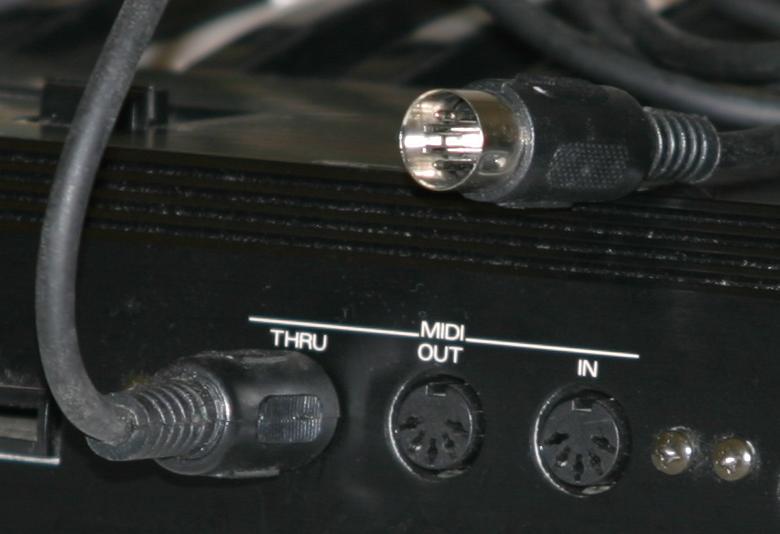
 Not only do we have 16 channels of MIDI available (per cable…. Other cables can carry 16 more channels as you expand) but we also have 128 steps or individual notes that can be assigned to each channel or voice. (again, if your device counts zero as a number, you will have 0 – 127) This is particularly important for triggers and non-sound system controllers. For example, if you are playing a MIDI keyboard, sax or reed controller as Master, you are not normally trying to redirect a C# to an F, though there are reasons for doing this in some special circumstances. You just want to perform your song on the Master Controller and have your performance represented as you played it – for better or worse!
However, for drum kits and other triggers it is crucial to set up in advance the sounds that will be played when a specific trigger is hit. Usually you can change this in the Master Controller itself. Pick the channel and the specific pad/key you are editing and go to the Menu Options page. Select MIDI Note Number options. There are too many ways today’s gear will get you there or what they call it so it is hard to make this specific to all, but that is what the owner manuals are for! As your Master Controller is connected properly to the receiving tone generator or receiving device, hit the pad or key or button you are trying to edit. You should be able to see the note number the current pad is assigned to. Continue to raise or lower this number one digit at a time or enter the KNOWN MIDI Note Number and then Enter. Once you are triggering the correct sound, sampler or other gear, go to the next pad in a similar mode until all assigned pads correctly trigger the intended receiver. Save everything and pat yourself on the back! Keep in mind you can do this over and over depending on project, recording or performance needs. Most devices will allow you to store and recall a large number of performance templates or basic ‘kits’. Take advantage of this tool! Once you set them up, you can use them forever and make your set up time amazingly quick.
As a keyboard player in a progressive rock band, I used specific keys or notes on my keyboard(s) that were outside the range of the cover or original tune we were playing and assigned them to trigger internal drum sounds like claps or cowbells, effects like record scratching and anything from applause to choir back-up notes. I never used a sampler that would ‘play’ parts, I just added to the layers by using on-board sounds as a split keyboard arrangement or as real-time triggers to other devices.
I used to play in the days when you had to have a different keyboard for each sound group you wanted. If you wanted an electric piano, you played the Rhodes piano.
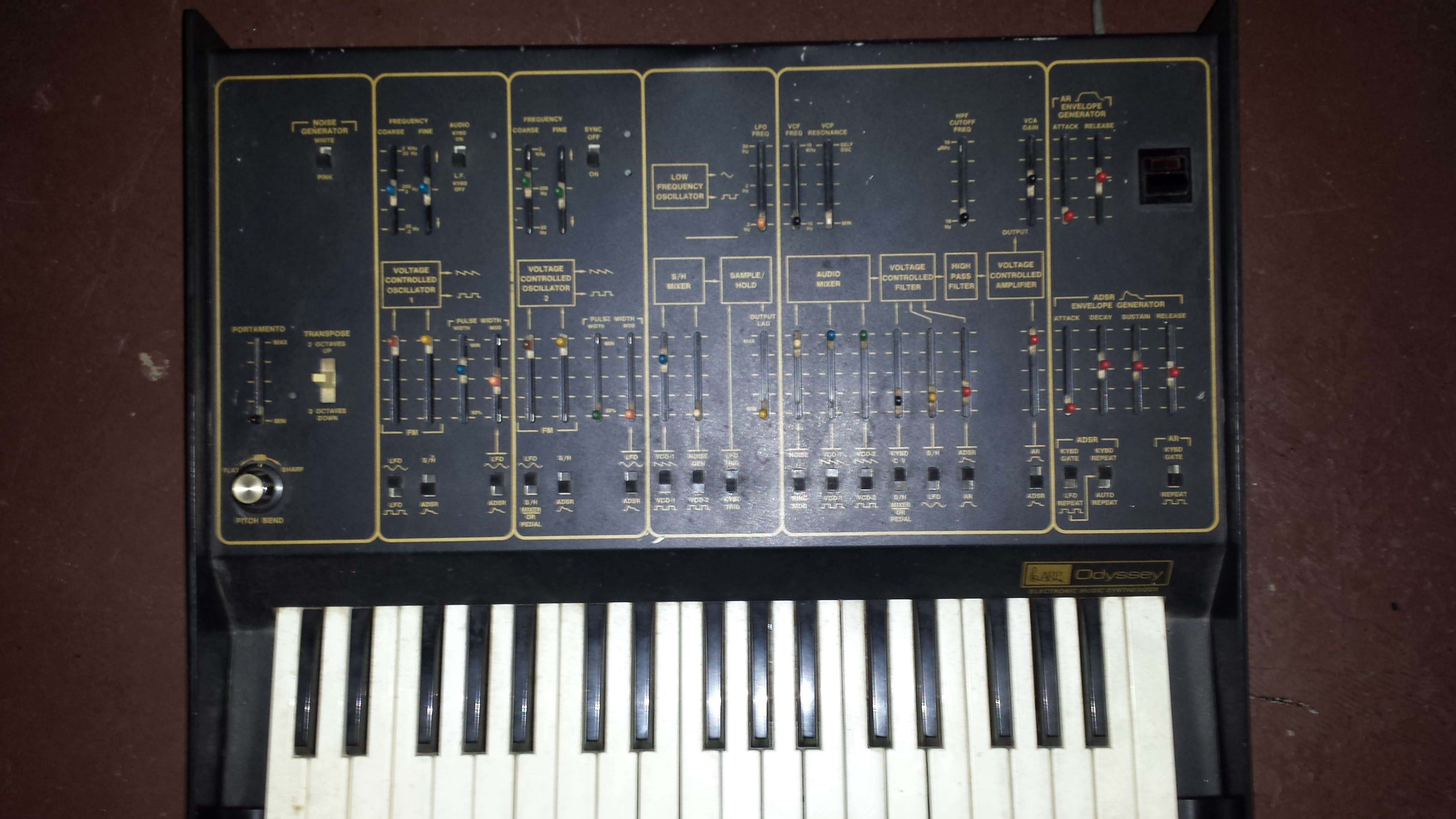
 If you wanted an organ sound you carried around a Hammond or other organ. If you wanted to use synthesizer sounds, you brought in a Moog or Arp and played two sounds at a time ……. and it felt glorious!
 MidiMike